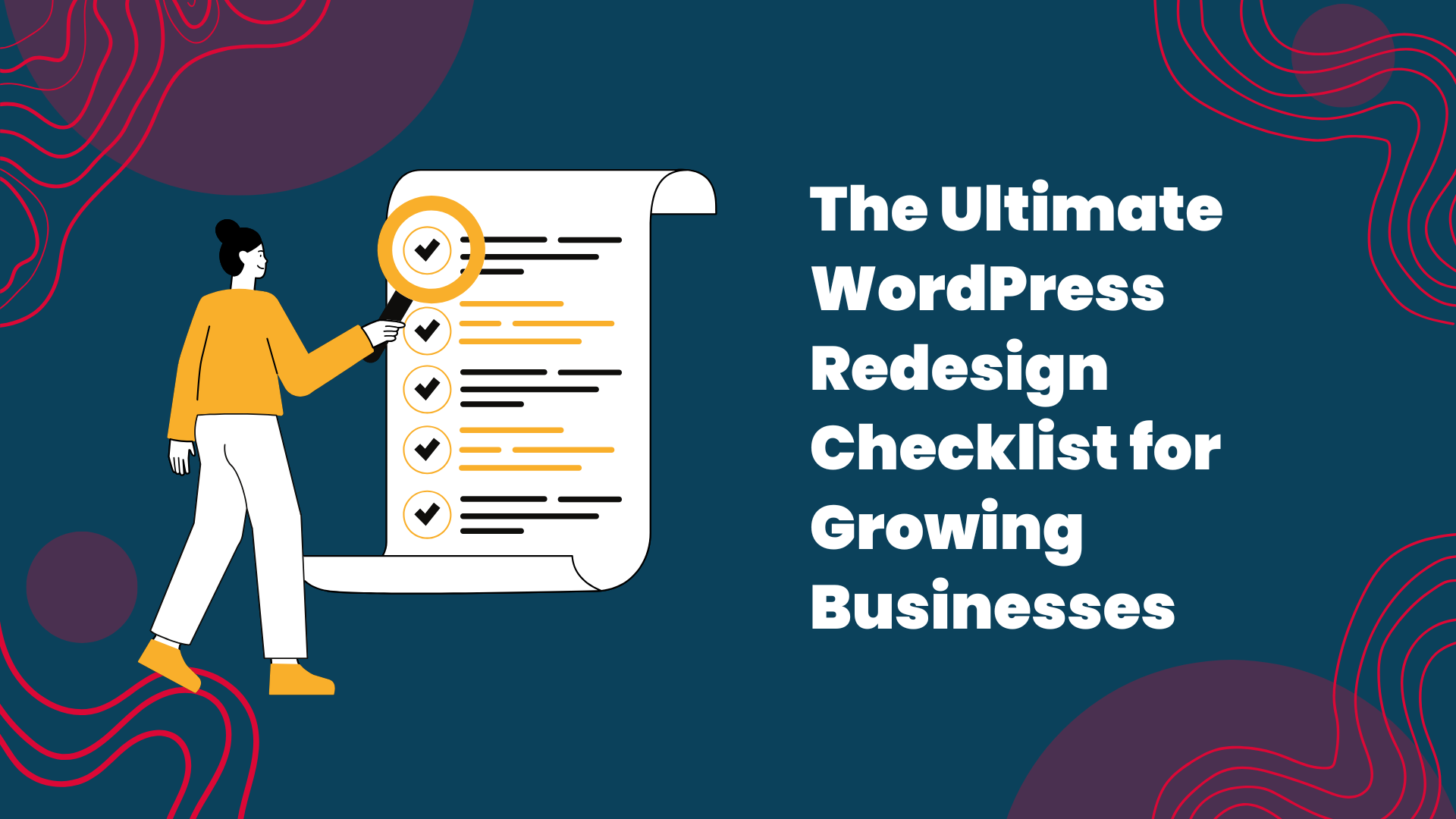
The Ultimate WordPress Redesign Checklist for Growing Businesses
A WordPress redesign is usually triggered by a moment of realisation. Your business is growing, your services have evolved and your current website no longer reflects who you are or what you deliver. Maybe conversions are slowing, maybe the site is becoming hard to manage or maybe you feel a gap between the quality of your work and the quality of your digital presence. A redesign is not about making the website look new. It is about building a stronger, more strategic foundation so your site can support the next stage of growth.
Before you approach an agency, it helps to understand what your site actually needs. The most effective projects begin with clarity. When you evaluate your existing website carefully, you uncover the issues that hold you back and the opportunities worth prioritising. A structured checklist gives you that clarity. It prepares you for conversations with your agency and ensures the redesign aligns with your business goals rather than surface level preferences.
Use this checklist to explore the key areas that determine whether your next WordPress website becomes a genuine growth tool.
A successful redesign starts below the surface. Performance issues often remain hidden until you look closely. Slow server responses, old PHP versions, heavy plugins, outdated themes and poor hosting all create friction. These issues influence search visibility, conversion rates and customer experience.
Test load times on mobile and desktop. Notice how quickly meaningful content appears. Check for visual shifts during loading. Run basic performance audits to see which technical elements hold your site back. These insights help your agency determine whether your redesign needs structural improvements, a smarter theme architecture or a complete rebuild.
Growth depends on clarity. If users cannot find what they need, they cannot convert. Look at your website through the eyes of someone who has never encountered your business before. Try to complete key tasks, such as requesting a quote, booking a call or understanding your service offer.
If you feel lost or uncertain at any point, your users feel the same. This confusion usually appears in navigation, hierarchy and messaging rather than design. A redesign is the perfect opportunity to fix these pathways so customers move through your site with confidence.
Businesses evolve quickly. Your content needs to keep up. Read every important page and ask whether it reflects your current services, tone and positioning. Many websites carry outdated language, unclear offers or inconsistent messaging. Some pages are overloaded with internal jargon that does not support the user’s decision making.
A strong redesign includes a clear content model. This ensures your message is accurate, consistent and easy to update. It also improves SEO because search engines respond to clarity and relevance. If your content no longer reflects your business, the redesign must address this before visuals come into play.
A redesign should improve usability and increase conversions. Review all of your call to action points. Are they clear? Are they visible? Do they guide users toward meaningful actions? Test your forms, booking flows or contact steps. If they feel slow, clunky or confusing, your users will not complete them.
A strong redesign makes actions easier. It reduces friction, simplifies the process and removes unnecessary steps. When your conversion paths feel predictable and efficient, your website becomes a more powerful sales tool.
Mobile users now represent the majority of web traffic for many industries. Your redesign must support them fully. Check your site on different screen sizes. Notice if buttons feel too small, if spacing feels tight or if content looks cramped. If anything feels awkward, your mobile experience needs attention.
Simple changes in layout, spacing, typography and navigation can significantly improve mobile conversions. A redesign gives you a chance to rebuild your mobile experience in a way that reflects modern behaviour and expectations.
As your business grows, so does your risk. Old plugins, inconsistent updates, weak hosting and unmanaged access all create vulnerabilities. Audit who has access to your WordPress dashboard. Check whether your hosting and domain are under your control. Review the age and quality of your theme and plugins.
Ten10 works within ISO 27001 certified processes, which means governance, access control and data protection are built into every project. A redesign is the perfect time to clean up your environment, remove old accounts and build a safer foundation for long term growth.
If you plan to grow, your website must attract the right traffic. A redesign should improve search visibility, not disrupt it. Review your keyword rankings, organic traffic trends and search impressions. Identify pages that perform well and pages that lack visibility. Look for opportunities in user intent, content depth and metadata.
A performance driven redesign uses these insights to structure your new site. It protects your existing rankings and creates space for new ones. This is essential for long term ROI.
Once you complete your audit, summarise what requires attention. Does your site need a full rebuild because the codebase is too old? Or does it need a strategic refresh with improved structure and content clarity? Understanding the scope prevents wasted time and ensures your agency can design a plan that matches your goals and budget.
This is the moment when your redesign becomes grounded in strategy rather than aesthetics.
Finally,
A WordPress redesign is an opportunity to build a website that supports the next stage of your business growth. This checklist helps you understand what is working, what is holding you back and what needs to change. When you arrive to a redesign with clarity, your project becomes smoother, faster and more effective.
If you want a redesign that strengthens performance, improves conversion and helps your business grow, Ten10 can help. We build WordPress websites using a structured approach, clean design systems and ISO 27001 certified processes that support long term success.
Share This Story, Choose Your Platform!
The Ultimate WordPress Redesign Checklist for Growing Businesses
A WordPress redesign is usually triggered by a moment of realisation. Your business is growing, your services have evolved and your current website no longer reflects who you are or what you deliver. Maybe conversions are slowing, maybe the site is becoming hard to manage or maybe you feel a gap between the quality of your work and the quality of your digital presence. A redesign is not about making the website look new. It is about building a stronger, more strategic foundation so your site can support the next stage of growth.
Before you approach an agency, it helps to understand what your site actually needs. The most effective projects begin with clarity. When you evaluate your existing website carefully, you uncover the issues that hold you back and the opportunities worth prioritising. A structured checklist gives you that clarity. It prepares you for conversations with your agency and ensures the redesign aligns with your business goals rather than surface level preferences.
Use this checklist to explore the key areas that determine whether your next WordPress website becomes a genuine growth tool.
A successful redesign starts below the surface. Performance issues often remain hidden until you look closely. Slow server responses, old PHP versions, heavy plugins, outdated themes and poor hosting all create friction. These issues influence search visibility, conversion rates and customer experience.
Test load times on mobile and desktop. Notice how quickly meaningful content appears. Check for visual shifts during loading. Run basic performance audits to see which technical elements hold your site back. These insights help your agency determine whether your redesign needs structural improvements, a smarter theme architecture or a complete rebuild.
Growth depends on clarity. If users cannot find what they need, they cannot convert. Look at your website through the eyes of someone who has never encountered your business before. Try to complete key tasks, such as requesting a quote, booking a call or understanding your service offer.
If you feel lost or uncertain at any point, your users feel the same. This confusion usually appears in navigation, hierarchy and messaging rather than design. A redesign is the perfect opportunity to fix these pathways so customers move through your site with confidence.
Businesses evolve quickly. Your content needs to keep up. Read every important page and ask whether it reflects your current services, tone and positioning. Many websites carry outdated language, unclear offers or inconsistent messaging. Some pages are overloaded with internal jargon that does not support the user’s decision making.
A strong redesign includes a clear content model. This ensures your message is accurate, consistent and easy to update. It also improves SEO because search engines respond to clarity and relevance. If your content no longer reflects your business, the redesign must address this before visuals come into play.
A redesign should improve usability and increase conversions. Review all of your call to action points. Are they clear? Are they visible? Do they guide users toward meaningful actions? Test your forms, booking flows or contact steps. If they feel slow, clunky or confusing, your users will not complete them.
A strong redesign makes actions easier. It reduces friction, simplifies the process and removes unnecessary steps. When your conversion paths feel predictable and efficient, your website becomes a more powerful sales tool.
Mobile users now represent the majority of web traffic for many industries. Your redesign must support them fully. Check your site on different screen sizes. Notice if buttons feel too small, if spacing feels tight or if content looks cramped. If anything feels awkward, your mobile experience needs attention.
Simple changes in layout, spacing, typography and navigation can significantly improve mobile conversions. A redesign gives you a chance to rebuild your mobile experience in a way that reflects modern behaviour and expectations.
As your business grows, so does your risk. Old plugins, inconsistent updates, weak hosting and unmanaged access all create vulnerabilities. Audit who has access to your WordPress dashboard. Check whether your hosting and domain are under your control. Review the age and quality of your theme and plugins.
Ten10 works within ISO 27001 certified processes, which means governance, access control and data protection are built into every project. A redesign is the perfect time to clean up your environment, remove old accounts and build a safer foundation for long term growth.
If you plan to grow, your website must attract the right traffic. A redesign should improve search visibility, not disrupt it. Review your keyword rankings, organic traffic trends and search impressions. Identify pages that perform well and pages that lack visibility. Look for opportunities in user intent, content depth and metadata.
A performance driven redesign uses these insights to structure your new site. It protects your existing rankings and creates space for new ones. This is essential for long term ROI.
Once you complete your audit, summarise what requires attention. Does your site need a full rebuild because the codebase is too old? Or does it need a strategic refresh with improved structure and content clarity? Understanding the scope prevents wasted time and ensures your agency can design a plan that matches your goals and budget.
This is the moment when your redesign becomes grounded in strategy rather than aesthetics.
Finally,
A WordPress redesign is an opportunity to build a website that supports the next stage of your business growth. This checklist helps you understand what is working, what is holding you back and what needs to change. When you arrive to a redesign with clarity, your project becomes smoother, faster and more effective.
If you want a redesign that strengthens performance, improves conversion and helps your business grow, Ten10 can help. We build WordPress websites using a structured approach, clean design systems and ISO 27001 certified processes that support long term success.